
Computer glasses
Computer glasses for long screen days.
Honest advice for Infocity offices. What helps, and what is just marketing.
Try these first
- Every 20 minutes, look at something 20 feet (6 metres) away for 20 seconds.
- Keep the screen about an arm's length away, slightly below eye level.
- Blink often, and reduce glare from windows and lights.
- Get your eyes tested every one to two years.
When computer glasses make sense
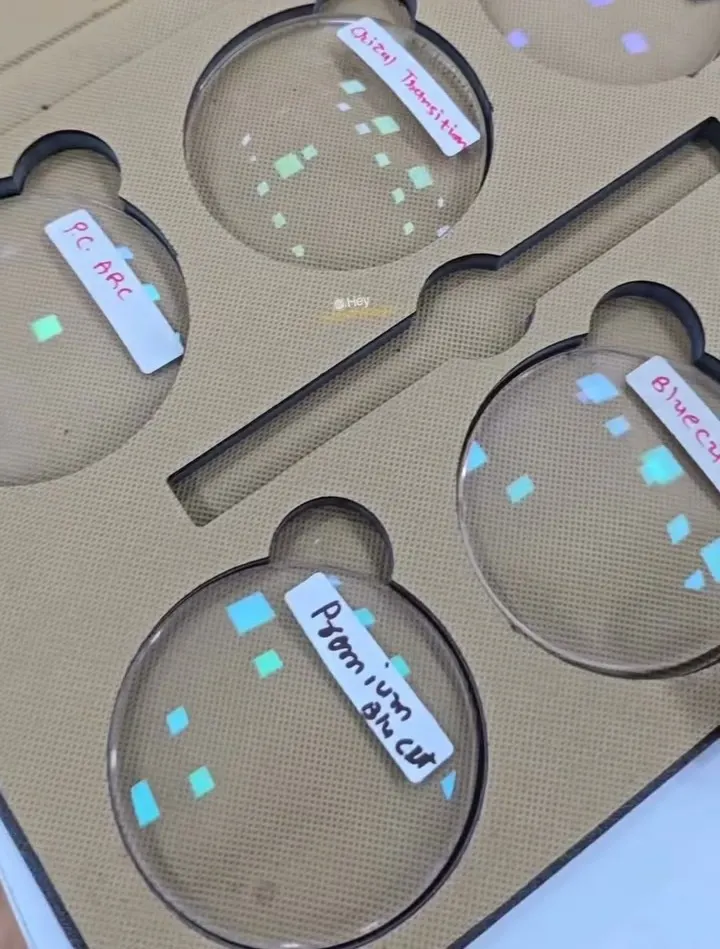
If your eyes are comfortable for most of the day, you may not need anything special. If screen work leaves your eyes tired, or you move between a laptop, a phone and papers, lenses built for those distances can feel better. We can discuss single vision and progressive options with Crizal, Zeiss or Shamir lenses.
If you notice sudden changes in vision, eye pain, redness or flashes of light, please see an eye doctor without waiting.
Read more: Eye strain for Infocity office workers and Do blue-cut glasses work?
Do I need computer glasses if I work in Infocity?
Not everyone does. If your eyes feel tired, dry or strained after screen time, get a free eye test first. Sometimes a small change in prescription or a better screen setup is enough.
Do blue protect lenses stop eye strain?
They filter part of the blue light from screens, but the evidence that this reduces eye strain is limited. Screen breaks, lighting and screen distance usually matter more.
Can I get computer glasses with my prescription?
Yes. We can make single vision or progressive lenses with blue protect and anti-reflective coatings, matched to your prescription.
Tired eyes after work?
Come in on your way home. Open until 9 pm every day.